Osmosis booth wallpapers
Windows 11 · 3840 × 2160 · IBEX 2026
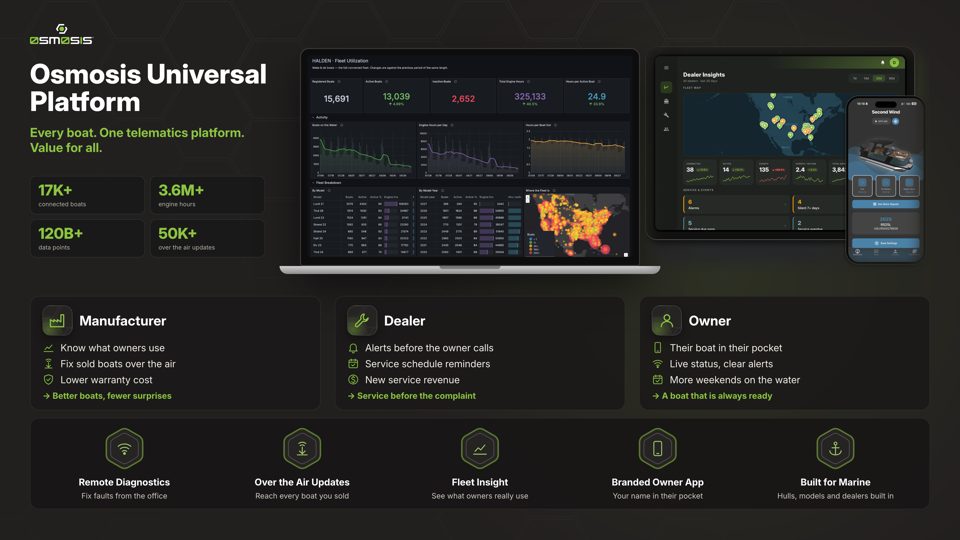
Desktop backgroundPNG · 3840 × 2160Download 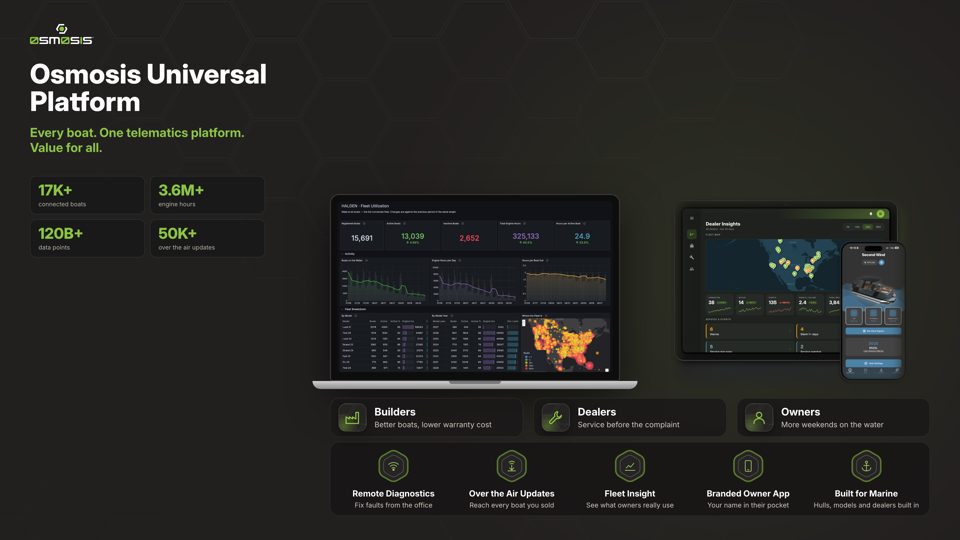
Lock screenPNG · 3840 × 2160 · screens sit below the Windows 11 clockDownload
Download both as a zip
Set them on Windows 11
- Desktop: right-click the desktop → Personalize → Background → Personalize your background: Picture → Browse photos → pick the desktop file. Fit: Fill.
- Lock screen: Settings → Personalization → Lock screen → Personalize your lock screen: Picture → Browse photos → pick the lock screen file. Turn off “Get fun facts, tips…” so nothing is drawn over it.
- Optional: Settings → Personalization → Themes → Desktop icon settings → untick all, for a clean screen.

